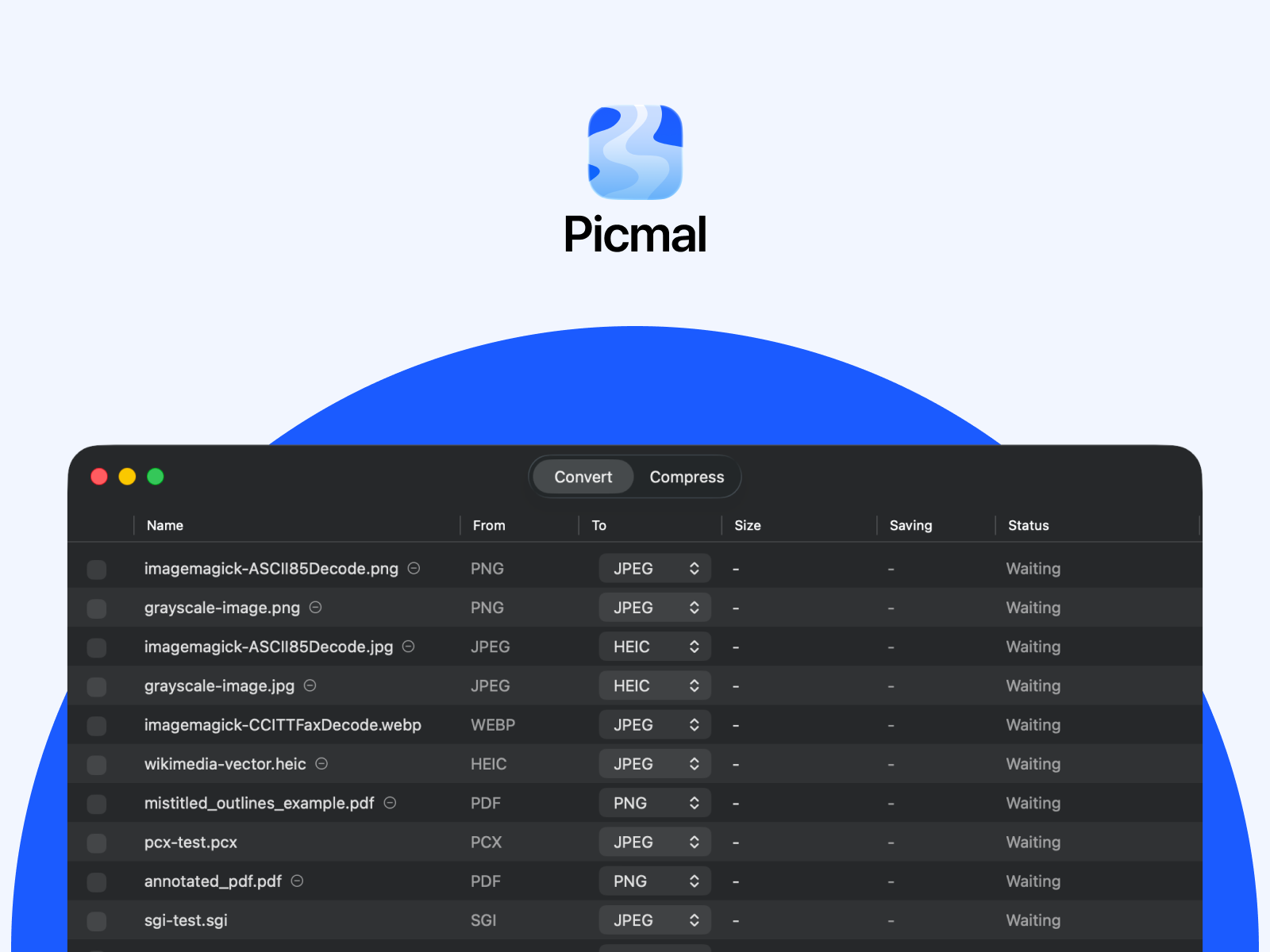
Picmal
Convert, compress, and create images, videos, audio, and PDFs on your Mac.
Convert, compress, and create media on your Mac
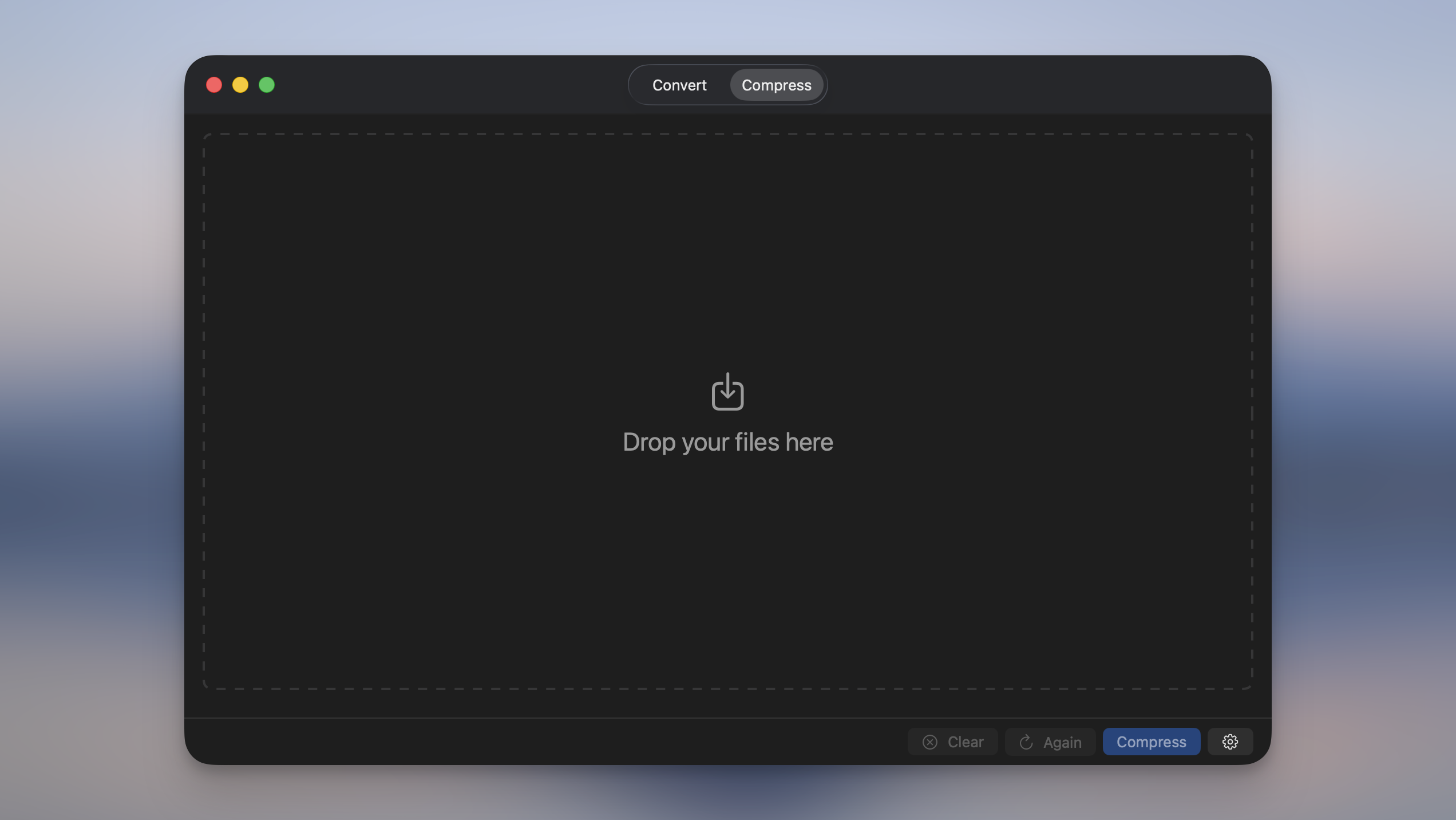
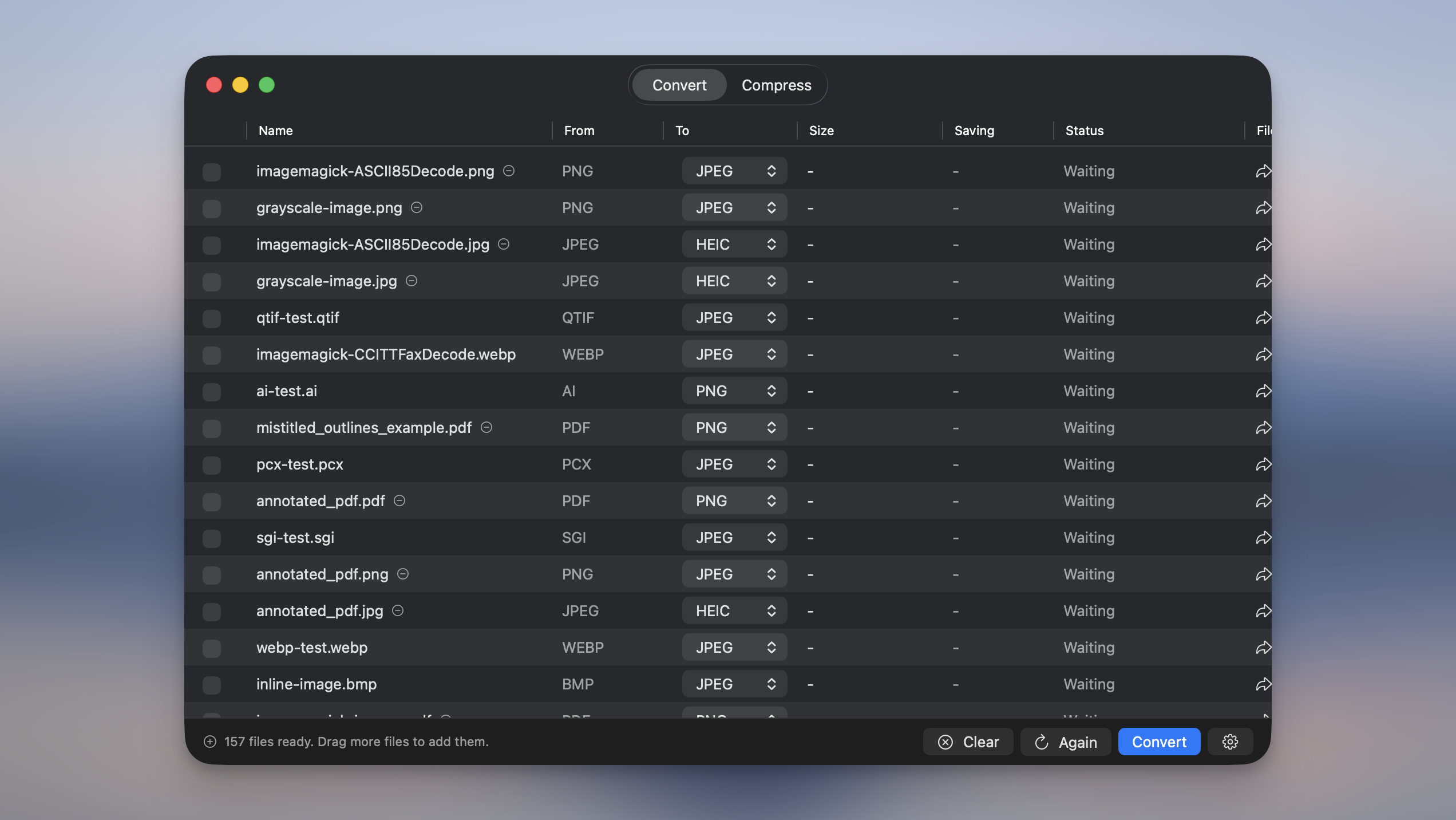
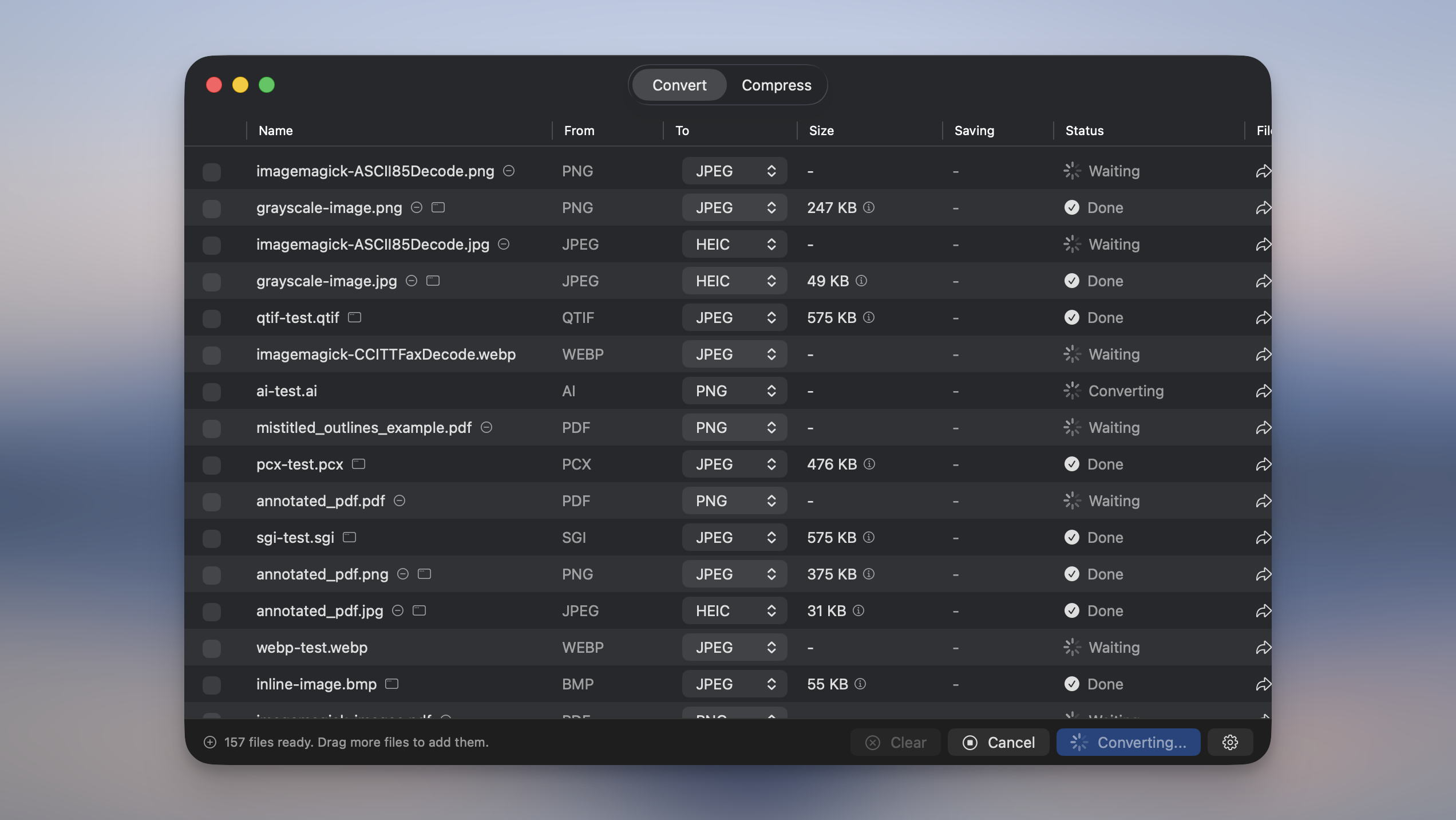
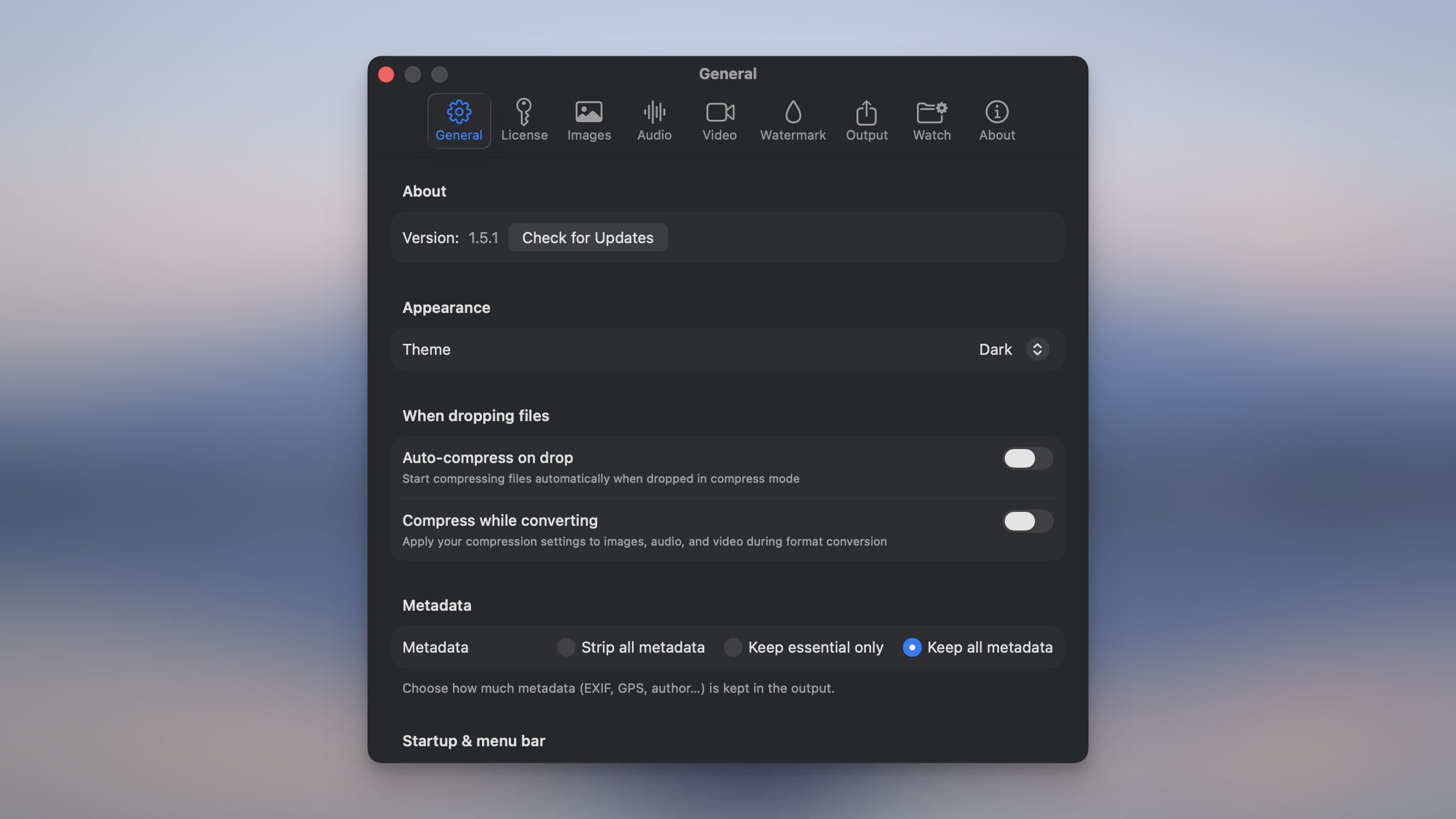
Images, videos, audio, PDFs. Batch process hundreds at once, generate PDFs from your files, all right on your Mac. Works offline, no account, nothing to subscribe to.
Why I built this
I built Picmal because I couldn't find a file converter I actually liked.
Every option I tried had the same problems: outdated, clunky interfaces. Terminal-only tools when I just wanted something I could see and click. Online services that expected me to upload private media files to some external server. And no batch conversion anywhere.
So I built the thing I wanted to use.
Four principles
-
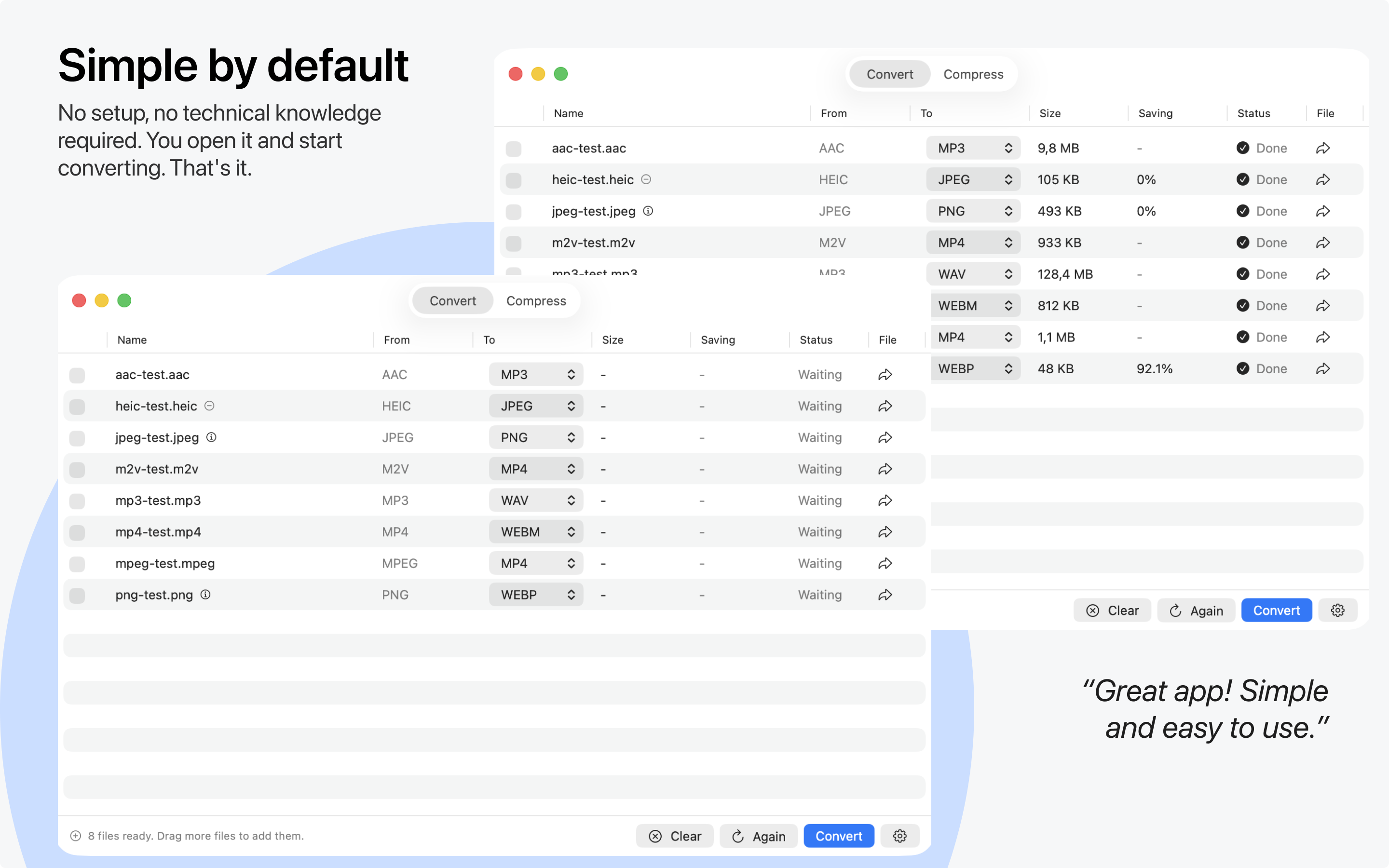
Simple by default
No setup, no technical knowledge required. You open it and start converting. That's it.
-
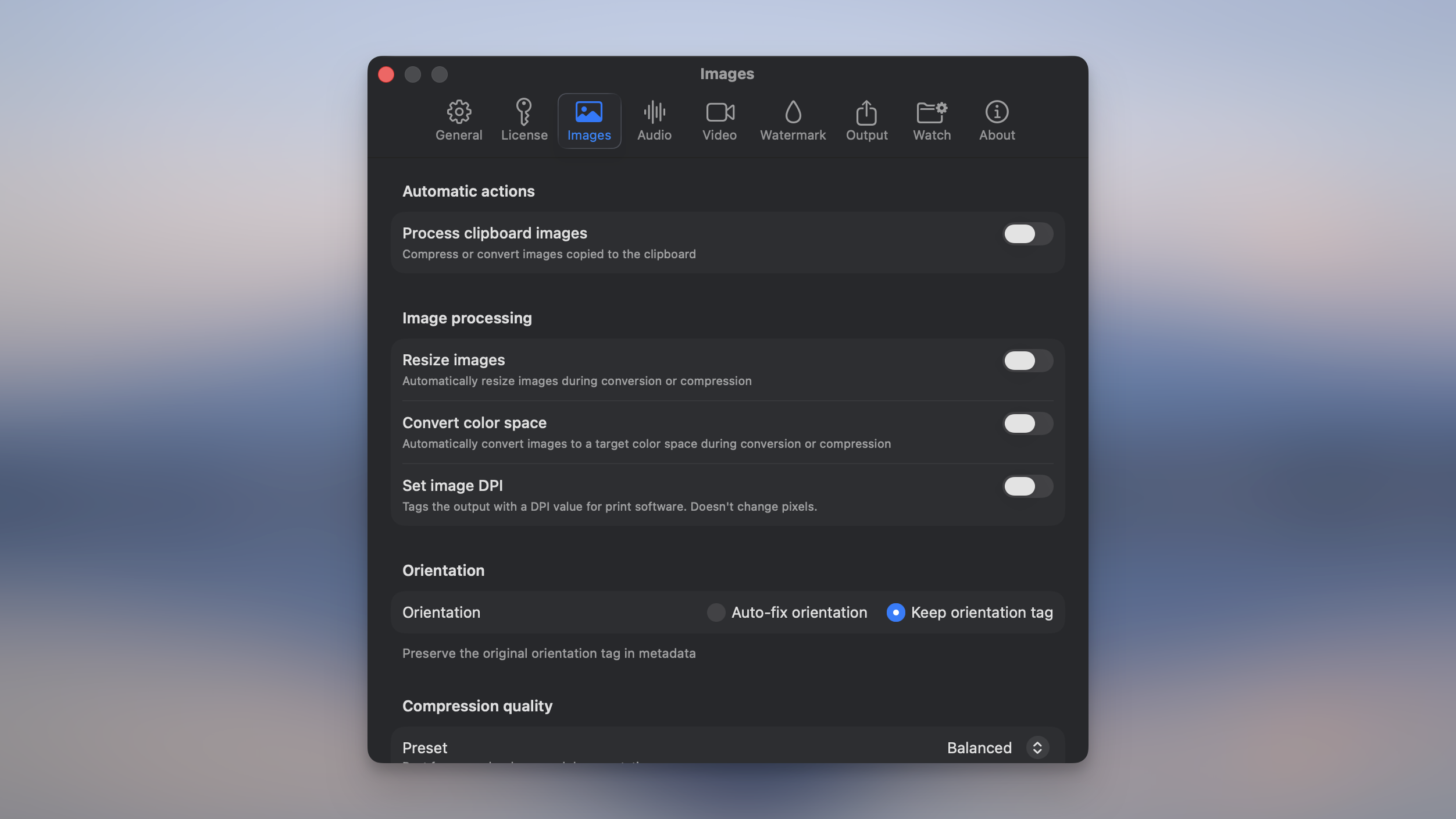
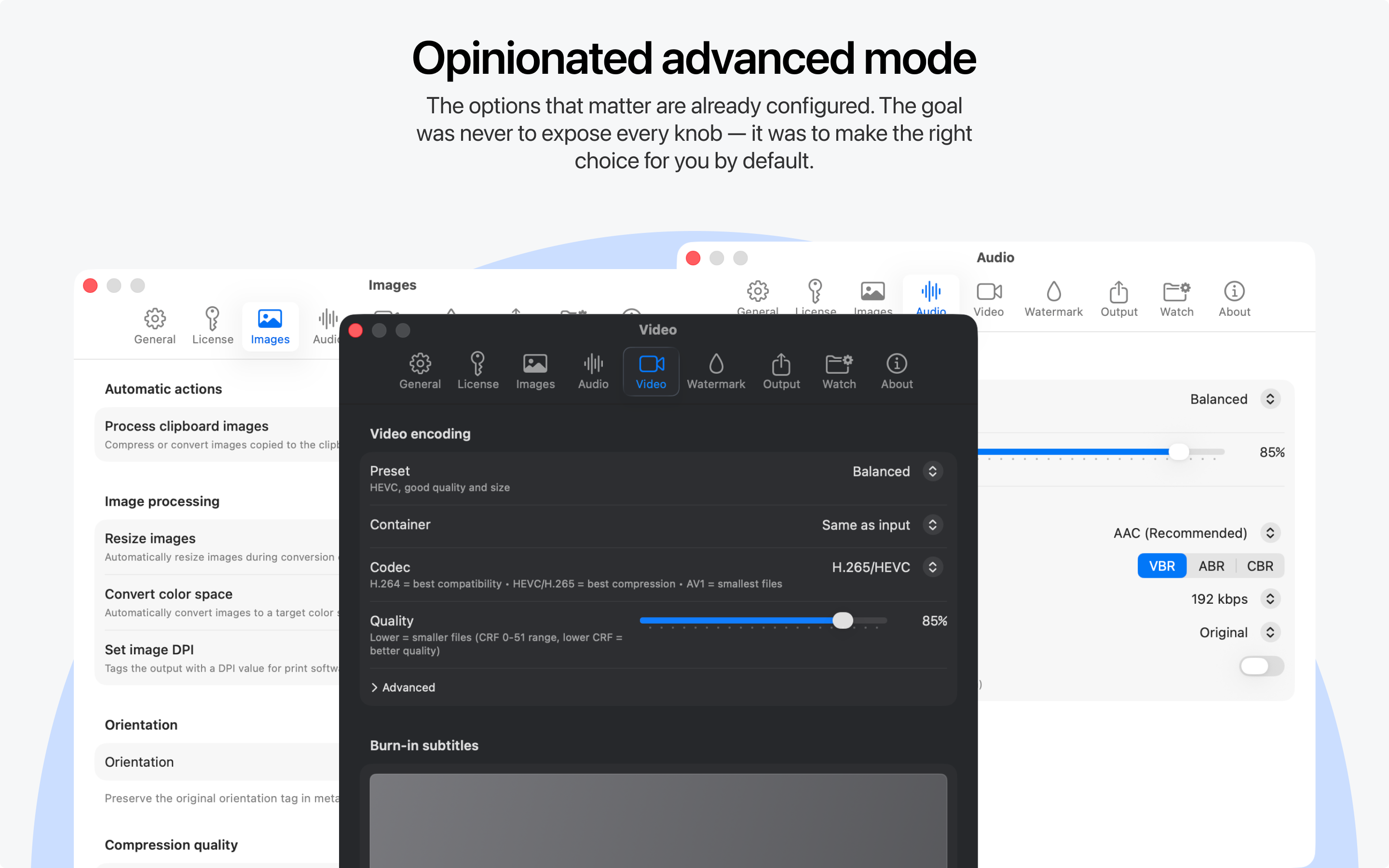
Opinionated advanced mode
The options that matter are already configured. The goal was never to expose every knob — it was to make the right choice for you by default.
-
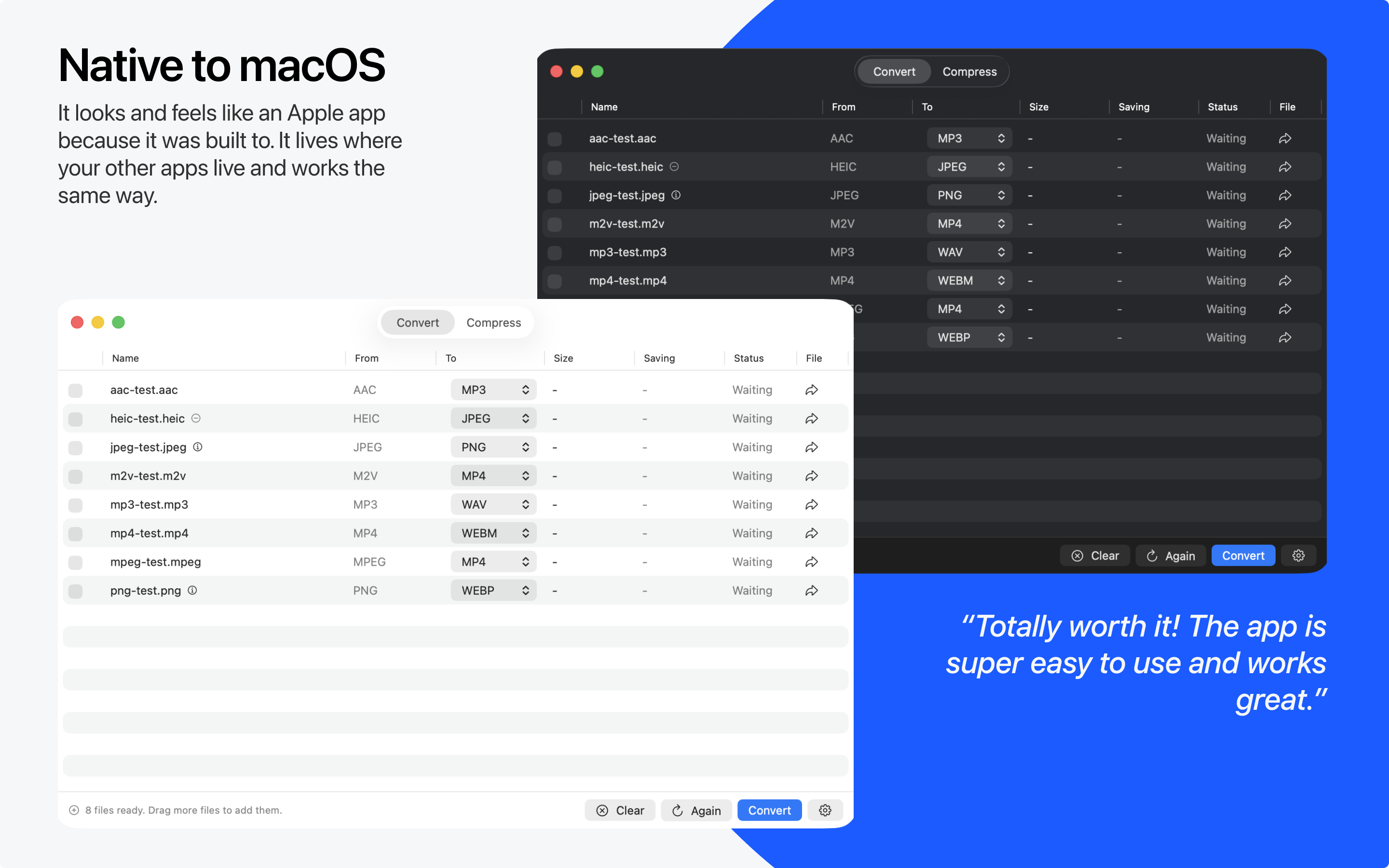
Native to macOS
It looks and feels like an Apple app because it was built to. It lives where your other apps live and works the same way.
-
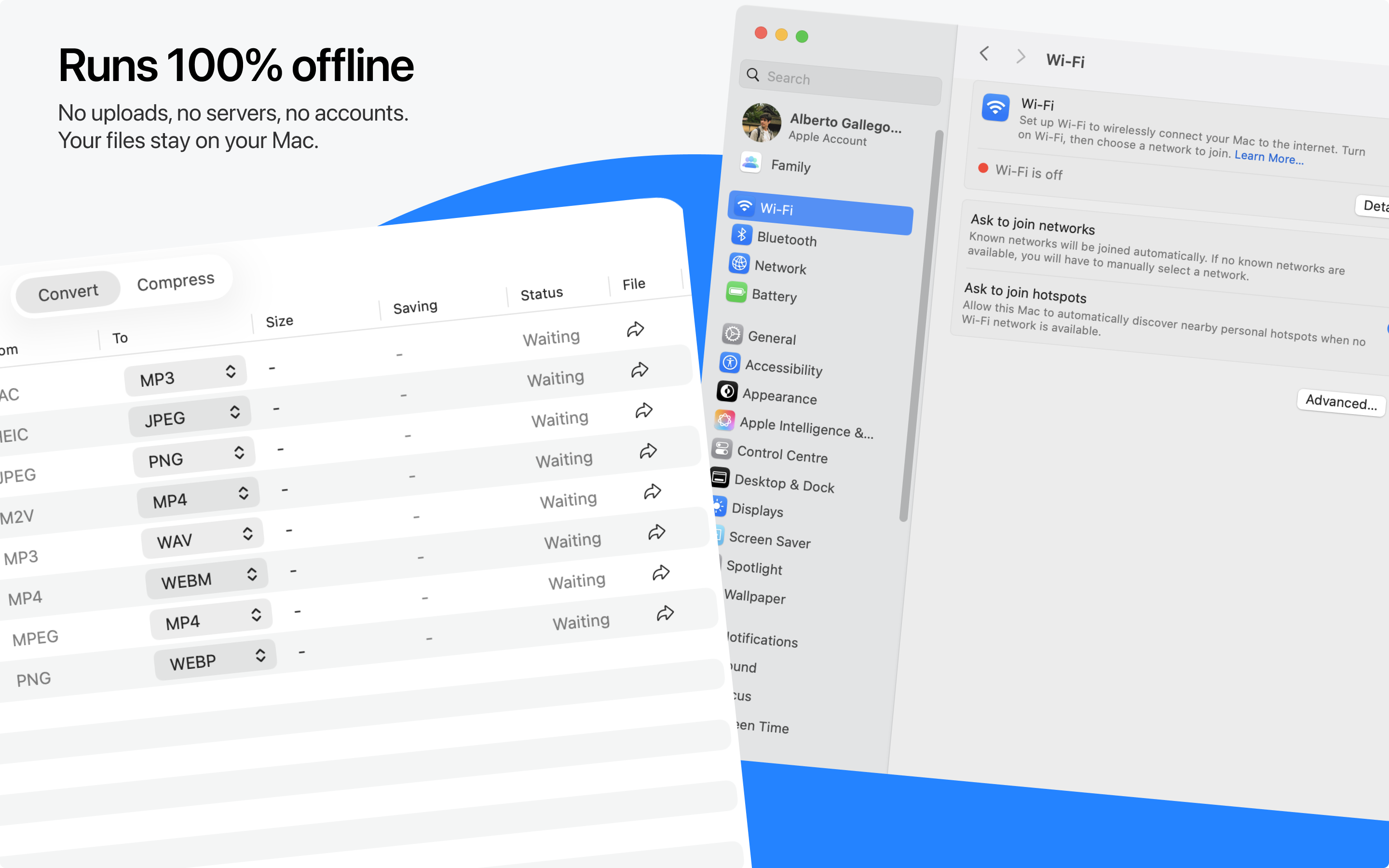
Local and private
Your files stay on your machine. Always.
Descriptions
Copy-paste ready, in three lengths.
Short
Images, videos, audio, PDFs. Batch process hundreds at once, generate PDFs from your files, all right on your Mac. Works offline, no account, nothing to subscribe to.
Medium
Picmal converts, compresses, and creates images, videos, audio, and PDFs on your Mac. Drop files in, and that's it. No setup, no uploads, no need to know what a codec is. If you want more control, there's an advanced mode — but the defaults are already sensible, so most people won't need it. It feels native because it is. Picmal lives wherever your other Mac apps live, and everything runs locally. Your files never leave your machine.
Long
Picmal is a Mac app for converting, compressing, and creating images, videos, audio, and PDFs. Simple by default. Drop your files in and go. No setup, no need to know what a bitrate is. If you want more control, there's an advanced mode. The defaults are already sensible, so most people won't touch it. It feels native because it is. Picmal lives wherever your other Mac apps live. Everything runs locally, so your files never leave your machine.
About me

I build tools that try to respect the people using them — small, private, and deliberate. Nothing overdesigned or cluttered. Just software that works and doesn't feel like it was made by a committee.
Outside of building, I take photos, travel, read, and walk a lot. That stuff probably matters more than it sounds like it should. It's where most of my ideas about what good software feels like come from.
Quick facts
- Pricing
- Pay once. Updates included. Sold on picmal.app via Lemon Squeezy. Not on the App Store.
- Who uses it
- Mostly photographers, designers, developers, and teachers. Also a lot of people who just want HEIC files to be JPGs.
- Requirements
- macOS 15.0 (Sequoia) or later. Runs natively on Apple Silicon and Intel.