Before/after preview and advanced video compression
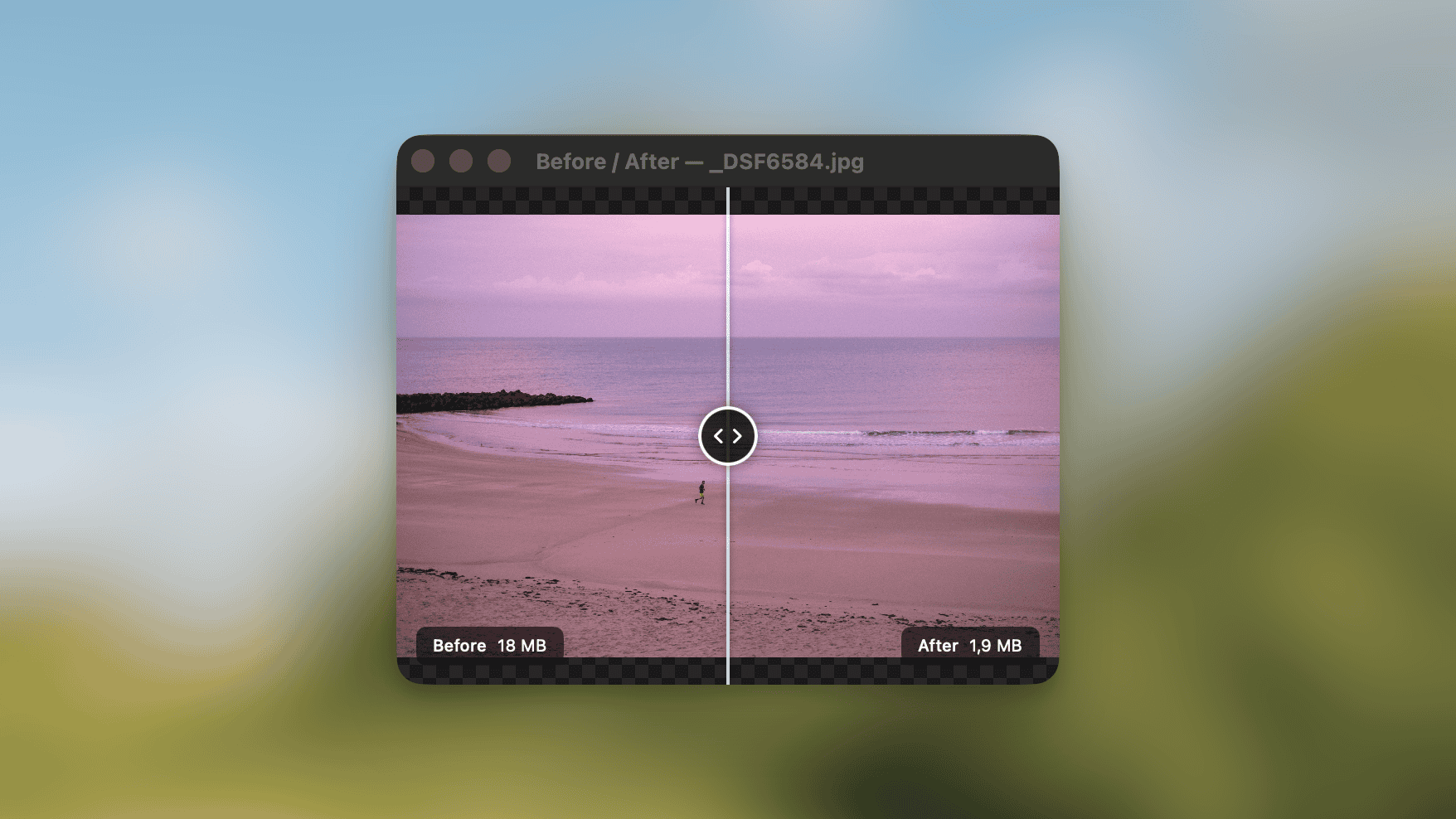
Click the screen icon on any processed file to open a before/after slider. Useful for checking whether your quality settings are too aggressive or too conservative.
Video compression now goes from CRF 0 to 51 for finer quality control, and a new frame rate setting lets you drop fps (60 to 30, say) for smaller files.
Use Picmal to easily convert your media on your Mac
One-time purchase · No subscription · 14-day money-back guarantee