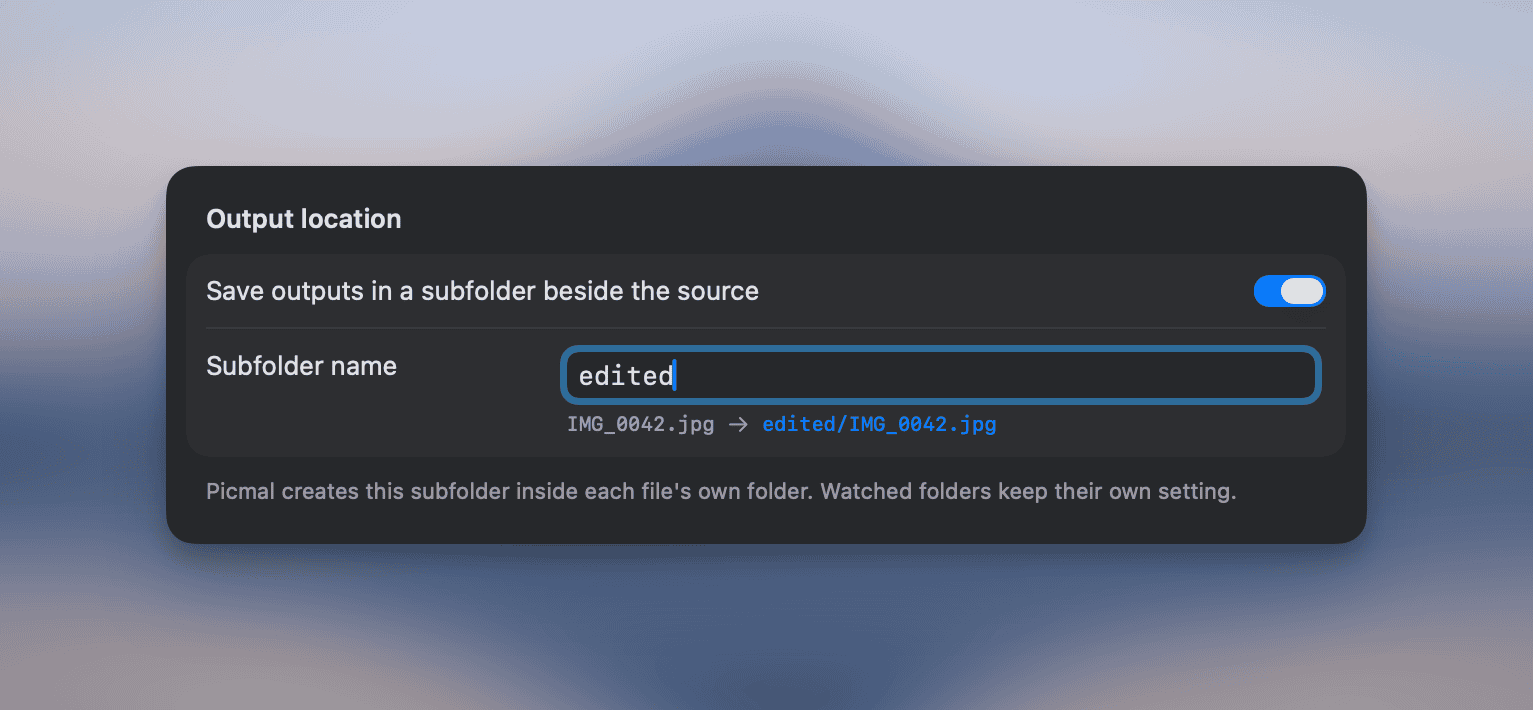
Save outputs in a subfolder beside each source file
Save outputs in a subfolder beside each source file. Turn it on in Settings → Output, type a name (e.g. “compressed”), and every conversion or compression for that file is written to <sourceFolder>/<name>/. Files dropped from different folders each get their own subfolder, so originals stay untouched. Works for images, audio, and video, in both Convert and Compress.
Fixed AVIF compression failing silently. AVIF files now compress like any other image.
RAW photos (DNG, CR2, NEF, ARW, RAF) now show a clear message when you drop them into Compress, so you know to use Convert instead. Before, clicking Compress did nothing and there was no feedback.
Other smaller fixes and improvements.
Use Picmal to easily convert your media on your Mac
One-time purchase · No subscription · 14-day money-back guarantee