Audio bit depth, watermark scaling, and PDF rasterization DPI
Watermarks were sometimes skipped on a few files in a batch. Fixed. Every image gets the watermark now.
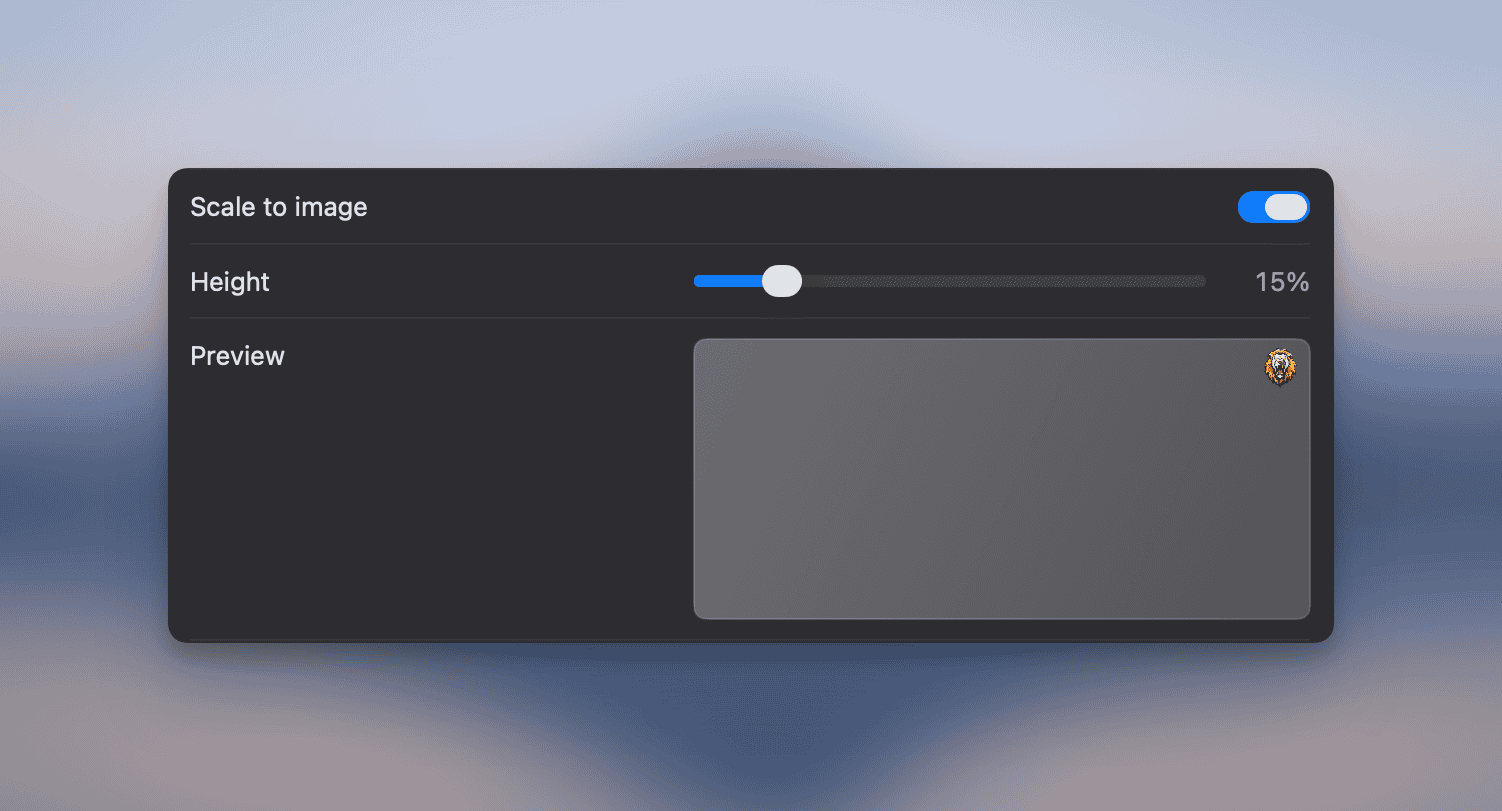
Watermarks can scale to a percentage of each image’s height, so one preset looks right across photos of any size. Turn on “Scale to image” in the watermark editor and drag the slider.
“Keep all metadata” was quietly dropping some tags. It actually keeps everything now.
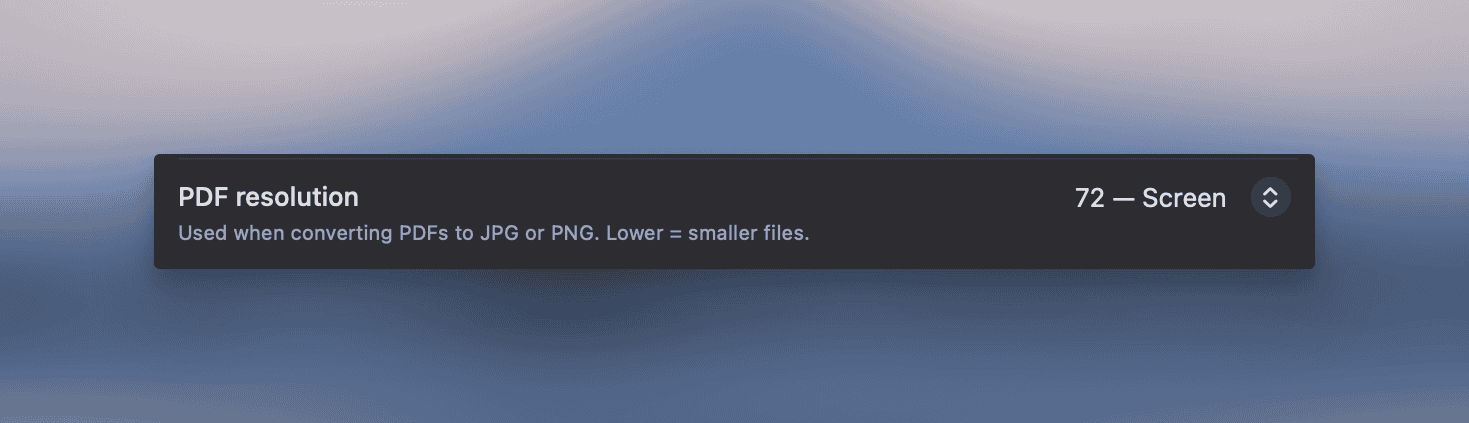
PDF to JPG/PNG no longer dumps huge files on you. Pick the rasterization DPI in Settings → Images (72, 150, 300 or 600). Default is 150.
Drag-and-drop used to silently cap at 100 files. You can now drop up to 10,000 in one go and they all land in the list.
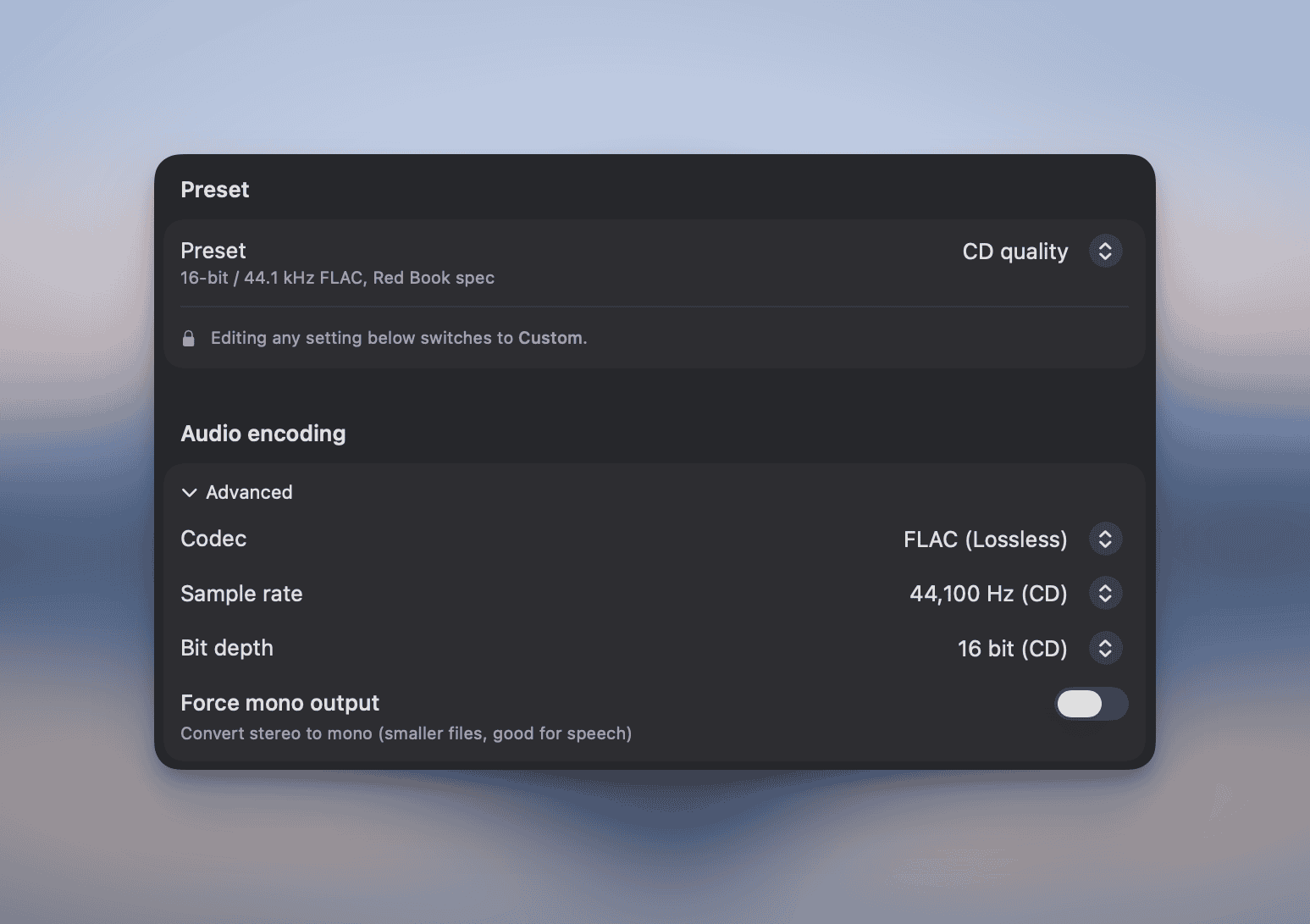
Audio conversions now let you pick a bit depth (16, 24 or 32 bit) on top of the sample rate. The new “CD quality” preset is 16 bit + 44.1 kHz FLAC.
Picking Display P3, Adobe RGB, ProPhoto RGB, Rec. 709 or Rec. 2020 as the output color space used to fail outright. Only sRGB worked. Fixed.
Use Picmal to easily convert your media on your Mac
One-time purchase · No subscription · 14-day money-back guarantee