This went out to the Picmal newsletter on May 31, 2026. Sign up to get the next one.
May was a quiet, heads-down month. I shipped nine small releases instead of one big one, mostly fixes and a few things people had written in asking for. Thank you to everyone who sent feedback this month, a lot of what’s below started as an email from one of you.
Here are the bigger ones.
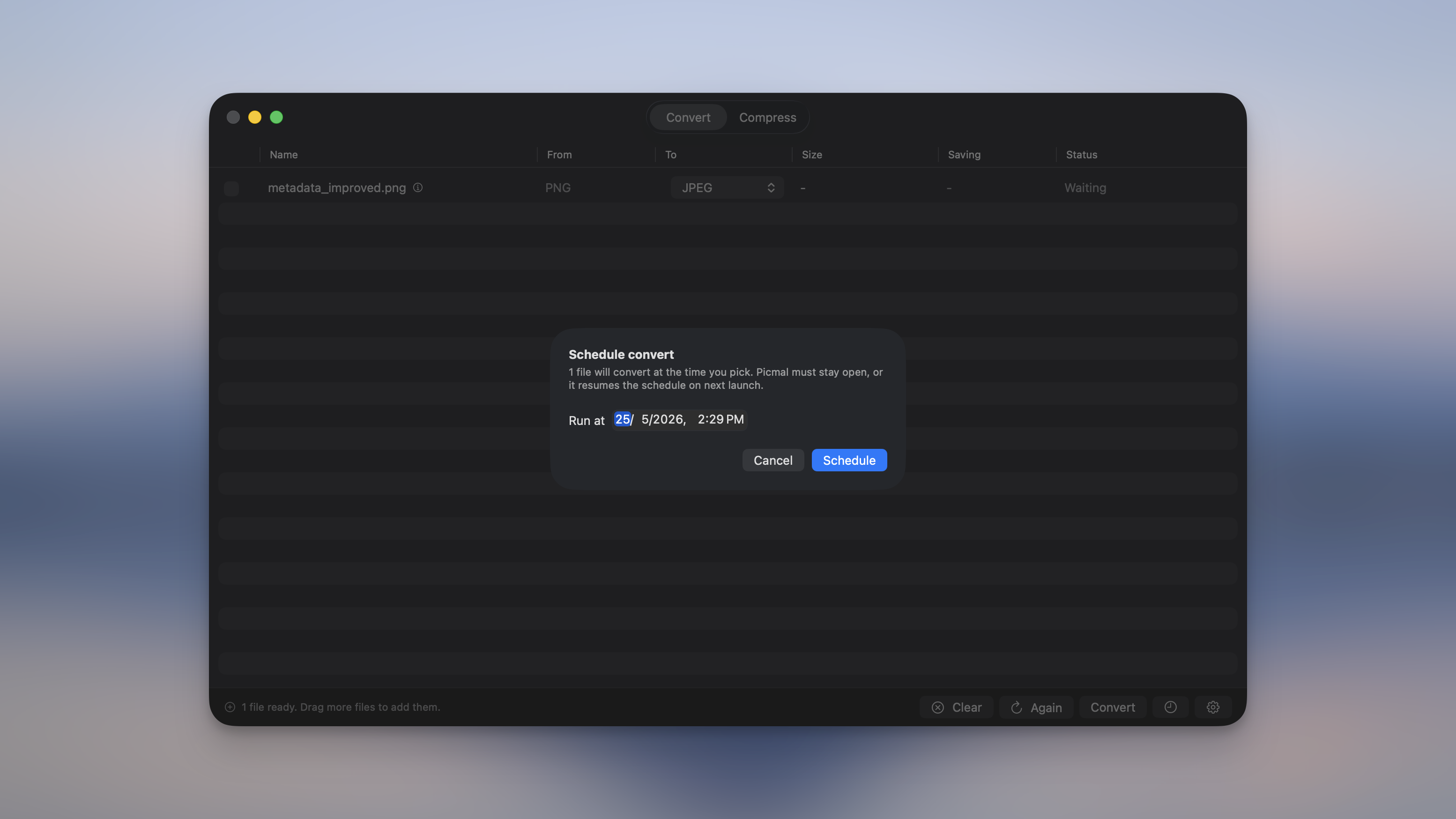
Schedule a batch for later
There’s a clock button next to Convert (and Compress) now. Tap it, pick a start time, and Picmal waits until then. I use it for big overnight jobs so I’m not sitting there listening to the fan. The bottom bar shows what’s queued, you get a notification when it finishes, and a schedule survives quitting and reopening the app.
Save your own presets
Set up the compression settings you like, hit “Save as preset”, give it a name, and it shows up next to the built-in ones the next time you compress. It works for images, audio, and video. It’s a small thing, but it saves rebuilding the same settings every session.
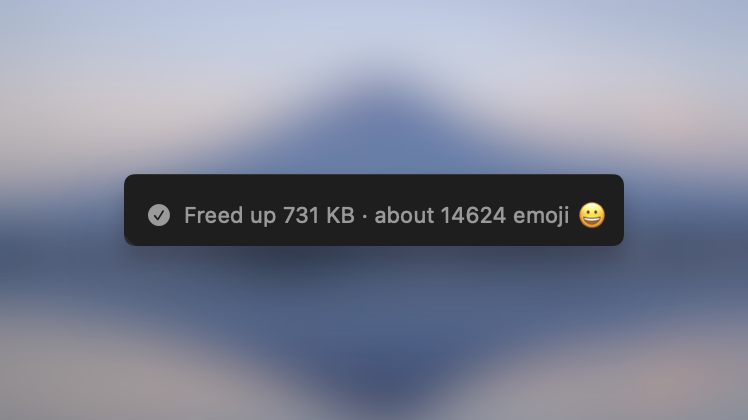
See how much space you saved
When a batch finishes, the bottom bar and the notification show the total space you freed, with a small comparison for fun, like “Freed up 9.66 GB · about a 4K movie 🎬”.
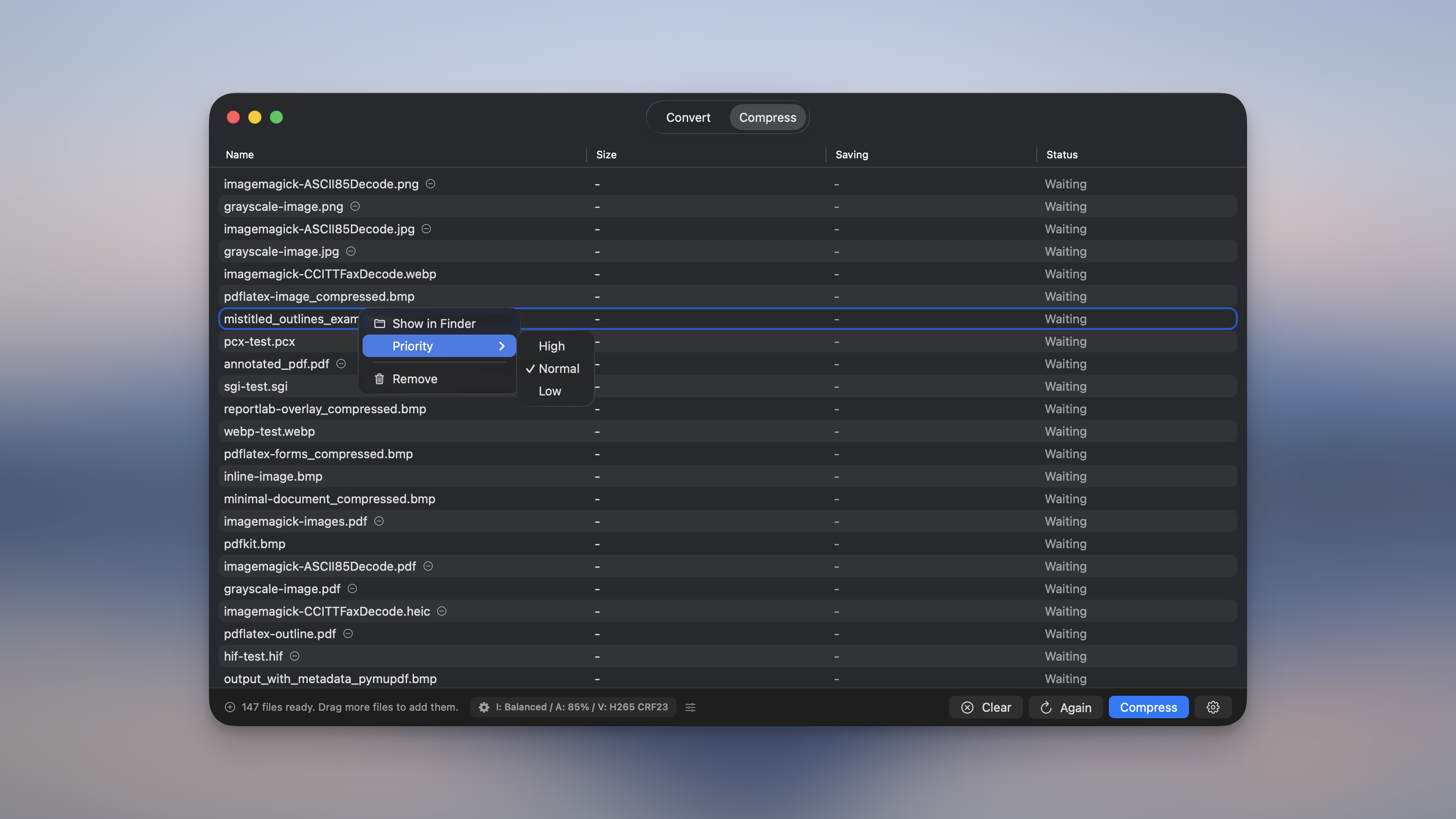
Set a priority on any file
Right-click a file and set it to High, Normal, or Low. High-priority files get processed first, even in the middle of a batch, so the one you actually need doesn’t have to wait its turn.
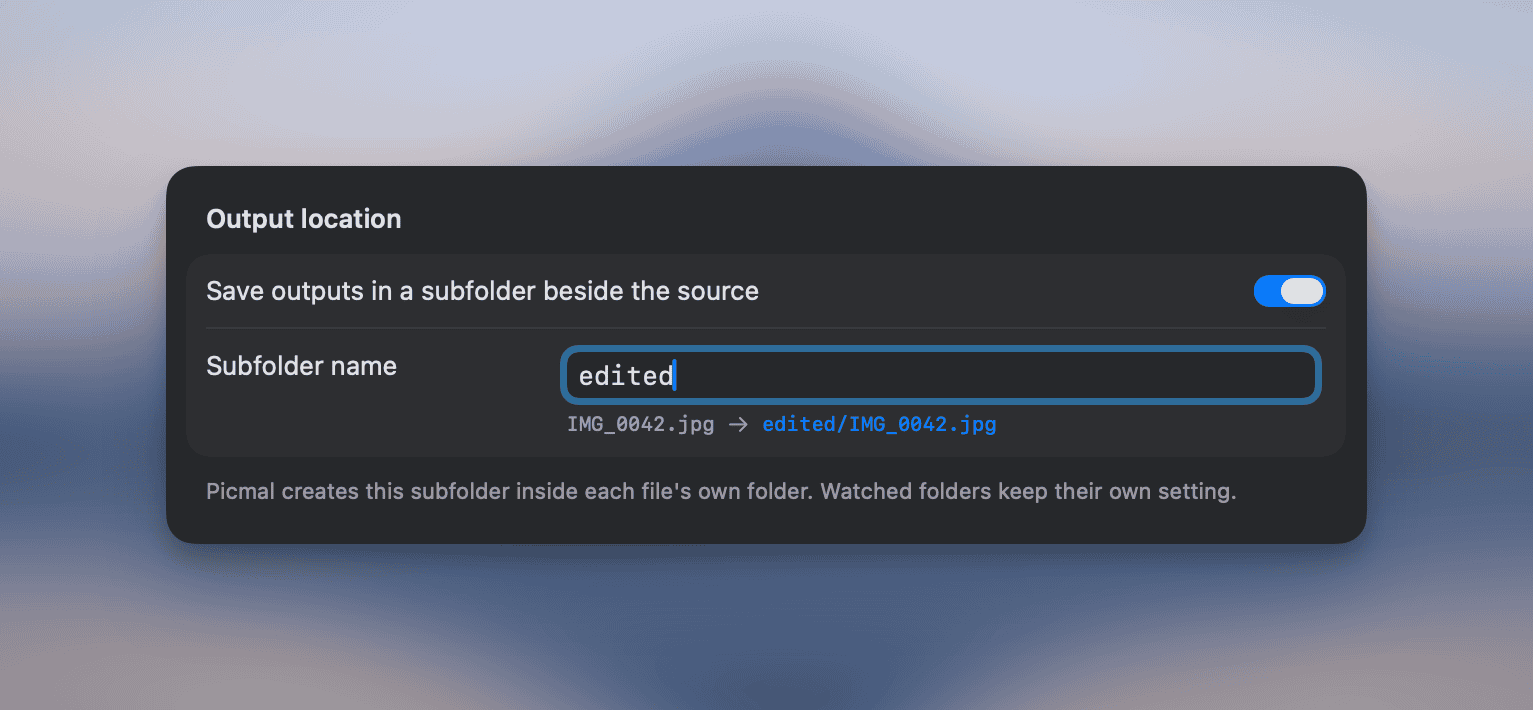
Outputs can sit in a subfolder next to each source
Turn it on in Settings → Output, type a name like “compressed”, and every result is written to <sourceFolder>/<name>/. Files dropped from different folders each get their own subfolder, so your originals stay untouched. It works for images, audio, and video, in both Convert and Compress.
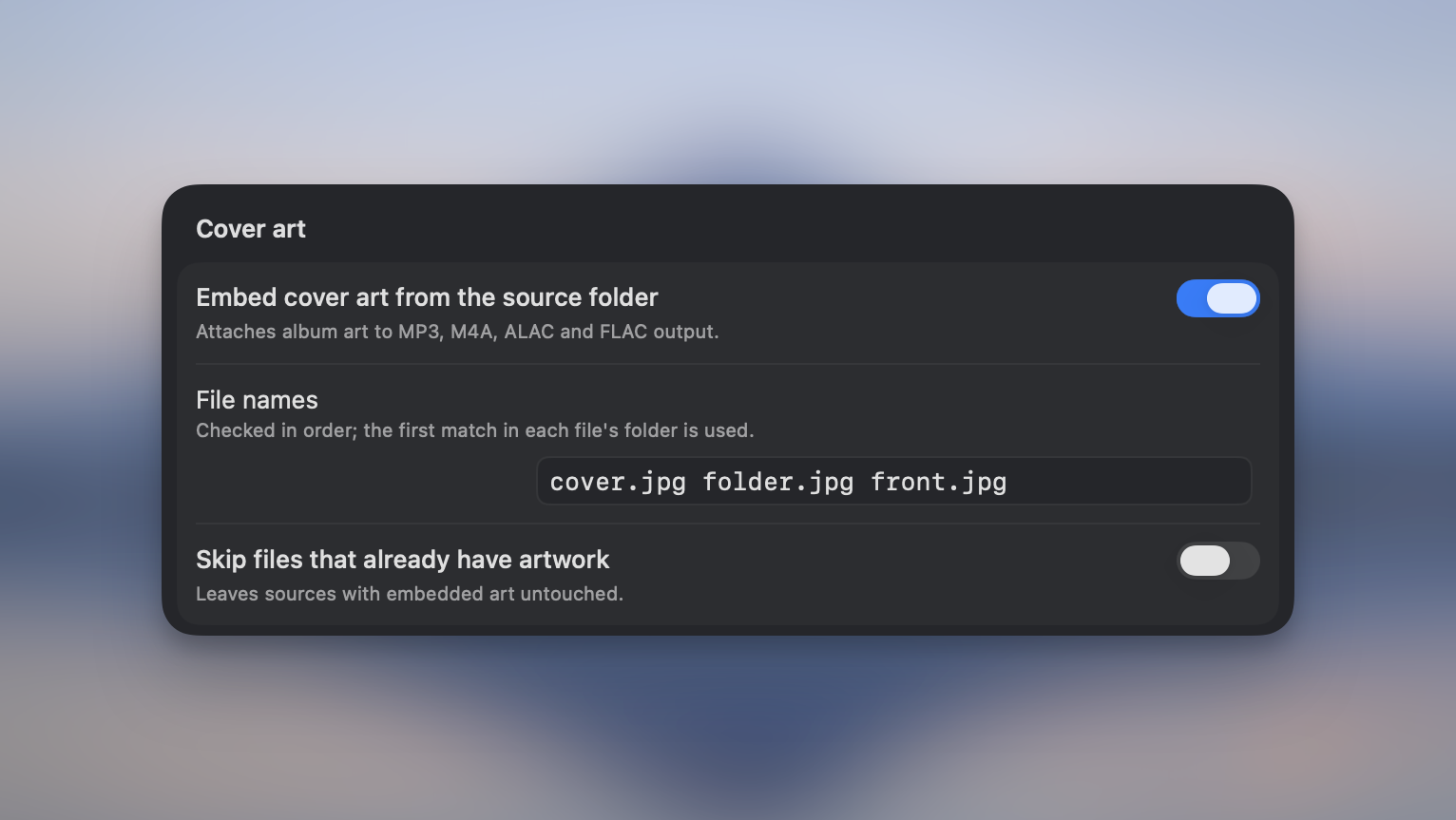
Embed album art into your audio
If you keep a cover image next to your tracks (cover.jpg, folder.jpg, front.jpg), Picmal can find it and embed it automatically into MP3, M4A, ALAC, and FLAC. There’s also an option to skip files that already have artwork.
A few smaller things
- You can now convert to ALAC (Apple Lossless), pick an audio bit depth, and there’s a new “CD quality” FLAC preset.
- Videos show an estimated compressed size before you run them.
- Pause now stops files mid-conversion, not just the ones still waiting.
- Watermarks can scale to each image’s height, so one preset fits photos of any size.
- RAW photos keep their camera metadata when converting (make, model, lens, exposure, date, GPS).
- You can pick the DPI when turning a PDF into JPG or PNG.
- Plus fixes for wide-gamut color spaces, old FLV files, big-batch stalls, and a launch crash on some Intel Macs.
If you want every detail, the full changelog is here.
And if you’d like to know how any of this works, the docs are here.
As always, if something feels off or you have a use case I haven’t thought of, write to me at support@picmal.app or open an issue on GitHub. I read all of it.
One last thing. I’ve been building a second app on the side called Cozy, a quiet place to journal. It comes from the same place Picmal does: just as Picmal converts everything on your Mac with nothing uploaded, Cozy keeps every entry as a plain text file that stays with you. It’s an early beta version, and it’s free for now: https://cozyjournal.app.
Talk to you soon, Alberto